








Skip to content

Orion

Agentic document intelligence that goes beyond OCR.

Talk to the team

Your most valuable knowledge is trapped in documents your teams can't search, query, or act on.

Contracts sit unread. Reports go unanalyzed. Decisions get made without the intelligence that already exists inside your organization. Orion extracts it, structures it, and makes it immediately queryable, in the mode that fits how your team works.

See Orion at work.

From a stack of documents to answers you can act on, in minutes.

Workflows that run themselves.

Set it up once. Orion's agent processes every new document and routes the results.

OrionAGENT MODE
Trigger
NODE NAME
Watch folder
TRIGGER TYPE
Manual run
Upload / form link
ScheduleRun on a recurring time or cron expression
REPEAT
Weekly
ON
MTWTFSS
TIME
03:00 PM
TIMEZONE
IST
NODE LABEL
test-schedule

Next run: Tuesday, Oct 27 at 3:00 PM IST

Changes apply to this node instance only.Done
Trigger

Watch folder

A watched folder or a schedule starts the workflow.

Trigger type
Schedule
Repeat
Weekly, Tuesday
Time
03:00 PM IST

Next run: Tuesday, Oct 27 at 3:00 PM IST

Step 1 of 6
  1. Trigger

    A watched folder or a schedule starts the workflow.

    Trigger
    NODE NAME
    Watch folder
    TRIGGER TYPE
    Manual run
    Upload / form link
    ScheduleRun on a recurring time or cron expression
    REPEAT
    Weekly
    ON
    MTWTFSS
    TIME
    03:00 PM
    TIMEZONE
    IST
    NODE LABEL
    test-schedule

    Next run: Tuesday, Oct 27 at 3:00 PM IST

    Changes apply to this node instance only.Done
  2. Orion Node

    Orion extracts the fields and flags anomalies.

    Orion Node
    PROMPTSKILL
    NODE NAME
    Extract invoice fields
    INSTRUCTIONS

    Extract all structured fields from the invoice — vendor name, invoice number, line items, totals, due date, and currency. Flag any fields with confidence below 85%.

    TOOL SCOPE
    OCR + field detection
    Anomaly scanner
    Language detection
    I/O MAPPING
    FROMTrigger — file output
    TOCondition node
    Changes apply when you save the workflowDone
  3. Condition

    Rules route each document by its values.

    Condition
    NODE NAME
    Invoice amount check
    EVALUATE FIELD
    Invoice total

    From: Invoice processing skill

    LOGIC BRANCHES+ ADD BRANCH
    HIGH VALUE> $100
    MEDIUM VALUE> $30AND<= $100
    FALLBACKCatches everything below $30
    PORT PREVIEW
    High ValueMedium ValueFallback
    Done
  4. Approval

    A person approves before anything proceeds.

    Approval
    NODE NAME
    Requires your approval
    ASSIGNEE TYPE
    Specific person
    Role
    Search team members...
    FLFinance LeadAPPROVER
    NOTE TO APPROVER

    Please review this invoice before it proceeds, check vendor details and total amount.

    TIMEOUT (HOURS)
    48HOURS UNTIL EXPIRY
    APPROVER PERMISSIONS
    Approve
    Reject
    Edit data
    Changes apply when you save the workflow.Done
  5. Output

    Results go out by email, writeback or link.

    Output
    NODE IDENTITY
    Email Summary Dispatch
    DELIVERY CHANNEL
    Email results
    Cloud writeback
    Download / Share link
    Output Connectors
    RECIPIENTS
    finance@company.comops@company.com
    SUBJECT LINE
    Invoice extraction complete — {{workflow_name}}
    BODY FORMAT
    STRUCTURED SUMMARYRAW DATA
    Attach extracted CSV
    Changes apply when you save the workflowDone
  6. Run

    Every run is logged, with its status.

    Invoice packActive
    WORKFLOW SEQUENCE3 Steps Total
    1. 1Fetch invoice document from Google DriveSOURCE: /FINANCE/INBOX/UNPROCESSED
    2. 2Extract all fields with high confidenceMODEL: ORION-EXTRACTION-V4 (DETERMINISTIC)
    3. 3Save extracted data to Dropbox — Vendor invoices folderOUTPUT: JSON / PDF (ORIGINAL)
    EXECUTION HISTORY
    TIMESTAMPMETHODDURATIONSTATUS
    Today, 2:14 PMManual38sSuccess
    Yesterday, 9:02 AMManual41sSuccess
    3 days agoSchedule–Failed — Drive disconnected

You control every step. Structured workspace. Full precision. Built for teams that need repeatability and a complete audit trail.

Orion
Q4_Financial_Report.pdf▾
⊕ 100%

Meridian Capital Group Ltd.

2024-12-31

USD

2.850%

LINE ITEMSAMT.
ITEM #01Global Equity Fund$1,240,000
ITEM #02Bond Index Portfolio$500,000
ITEM #03Real Estate Trust$320,000
PAGE 1 OF 3
Extracted data14 FIELDS
INVOICE92% confidence
LINE ITEMS
Ask Orion
CONTEXT: Q4_FINANCIAL_REPORT.PDF

What is the service fee for this transaction?

The service fee rate is 2.850%. This applies to the total sell amount of fund transfers processed in the Q4 cycle.
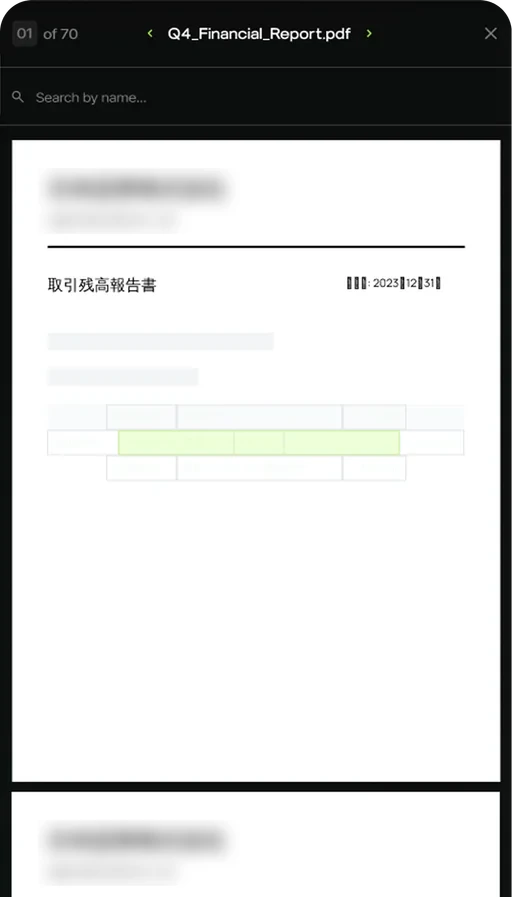
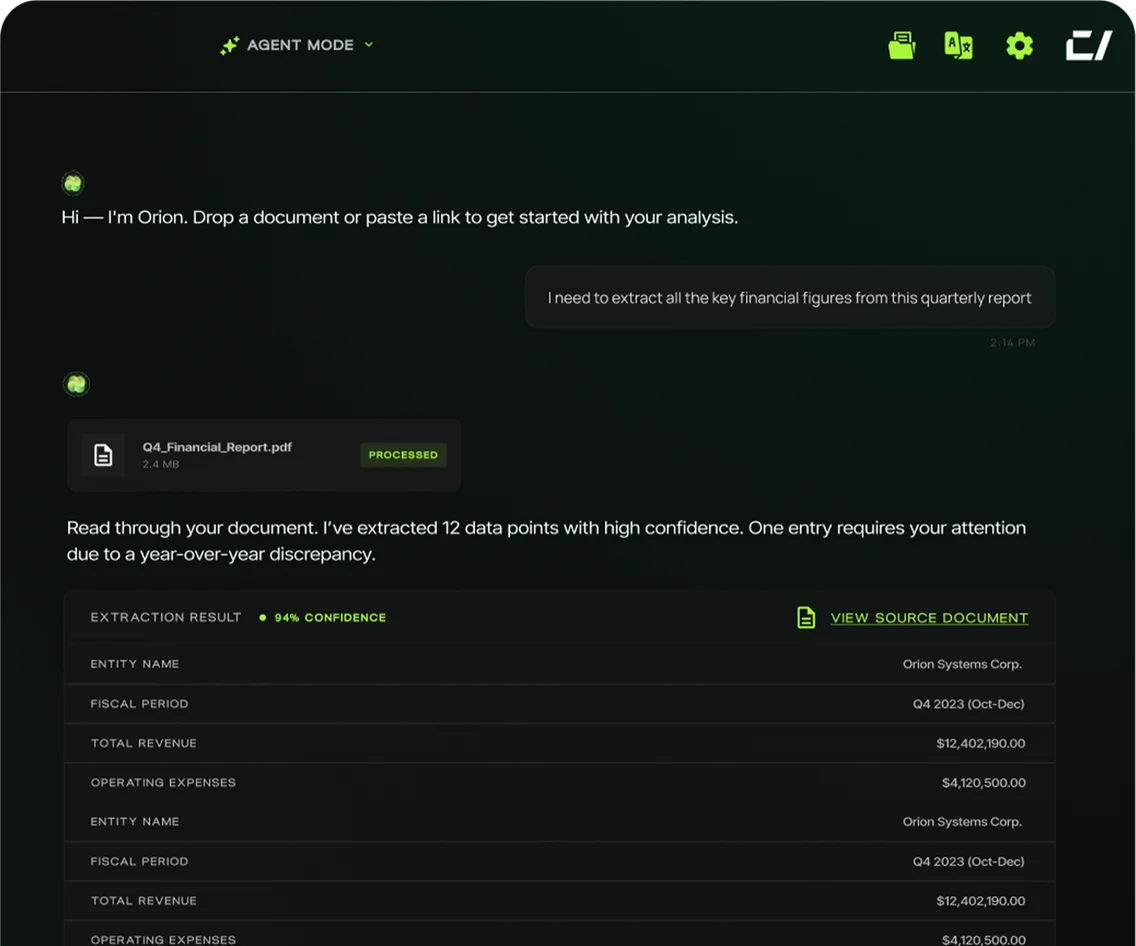
AI EXTRACTION

Reads any type of document. Pulls every field. No templates. No rules. Confidence score on every result. Works across languages and scripts, non-Latin typefaces included (kanji, Arabic and more), without losing structure or accuracy.

CONVERSATIONAL QUERY

Ask. Get an answer. Query one document or hundreds, in plain language. Structured results, not search.
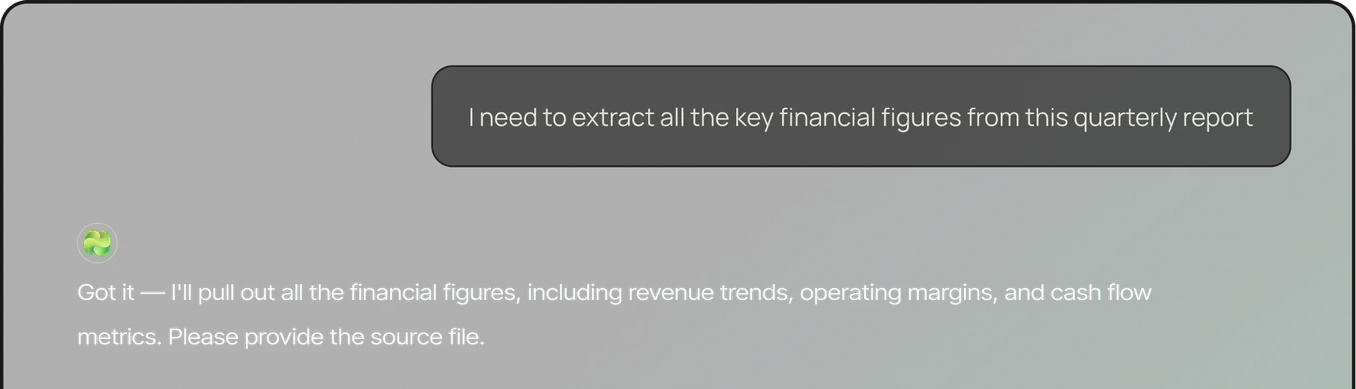
AGENT MODE

State your goal. Orion executes. Drop a document. The agent reads, extracts, and delivers, inside the conversation. No setup required.

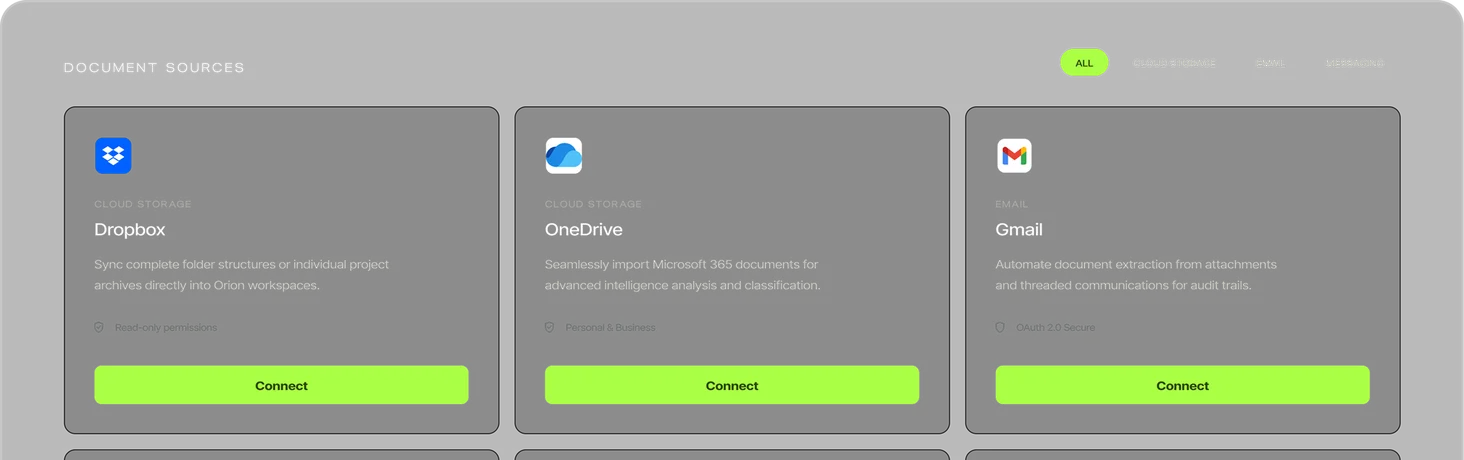
CONNECTORS & SYNC

Connect once. Results return automatically. Documents flow in. Processed results flow back. No manual steps.
Teams use
Orion to

  • Build audit trails automatically
  • Route results to any destination
  • Work across multiple languages
  • Query in natural language
  • Extract fields from any document
  • Delegate document work to an agent
  • Auto-detect document types
  • Turn any document into queryable data
  • Process documents in batch
  • Export transformed data in any format
  • Flag anomalies without writing a rule

Intelligence without access is just storage. Orion closes the distance between your documents and your decisions.

Every document your organization holds is a question it hasn't answered yet.

Turn every document into data your teams can act on.

Contact Team